District Light iOS App: Can iPhone Users Install It and How?
Does District Light Offer a Native iOS App?
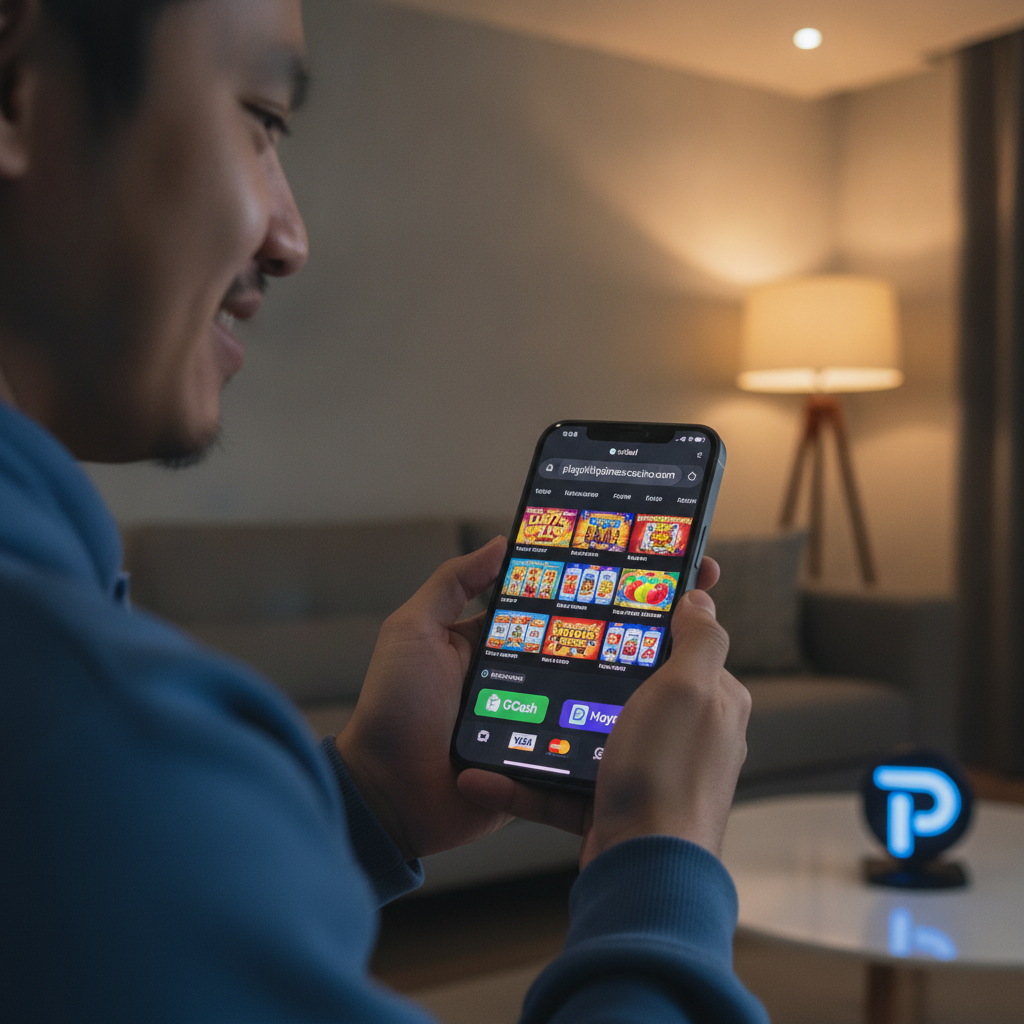
As of now, District Light does not provide a native iOS application available through the Apple App Store. iPhone and iPad users in the Philippines access the platform through the mobile web version of the site using Safari or other iOS browsers.
This is common among online casino and sportsbook operators serving the Philippine market. Apple's App Store enforces strict policies around real-money gambling apps, making distribution challenging. District Light has chosen to focus on an Android APK for download and a mobile-optimised web platform that works across all devices, including iOS.
iPhone players can still enjoy the full District Light experience—slots, jackpot games, live dealer tables, PBA and NBA sports betting, volleyball wagering, and bingo—through their mobile browser. The mobile site is built to adapt to iOS screen sizes and touch controls, so no native app is required to deposit with GCash or Maya, place bets, or request withdrawals.
How to Add District Light to Your iPhone Home Screen
Even without a native iOS app, iPhone users can create a shortcut that behaves similarly to an installed application. Adding the District Light mobile site to your home screen gives you one-tap access and a full-screen browsing experience without Safari's address bar.
Step-by-step guide for iPhone:
- Open Safari on your iPhone and navigate to the District Light mobile site.
- Log in to your account or load the homepage if you're already signed in.
- Tap the Share icon at the bottom center of the Safari window (a square with an upward arrow).
- Scroll down the menu and select "Add to Home Screen."
- Edit the name if you want (e.g., "District Light" or "DL Casino"), then tap Add in the top-right corner.
- A new icon will appear on your home screen. Tapping it launches the mobile site in a standalone window that looks and feels like a native app.
This web app shortcut does not occupy as much storage as a traditional app, and updates happen automatically on the server side—you never need to download patches or new versions manually.
Keep in mind that this shortcut is simply a bookmark that opens the site in Safari's web-app mode. You'll still need an active internet connection, and your login session will behave the same way it does when you visit the site through the browser.
Performance and Login Differences Between Safari and In-App Browsers
Most iPhone users will access District Light through Safari, but some players use in-app browsers embedded within messaging apps like Facebook Messenger, Viber, or Telegram. Understanding how these environments differ can save you time and frustration.
Safari
Safari is the recommended browser for District Light on iOS. The platform is optimised for Safari's rendering engine, which means:
- Faster load times for slot games, live dealer streams, and sports betting markets.
- Reliable session persistence, so you remain logged in as long as cookies and site data are not cleared.
- Smooth GCash and Maya redirects during deposits and withdrawals, because Safari handles external payment-app handoffs better than third-party browsers.
- Home screen web app support, as described above, which gives you app-like convenience.
If you encounter slow loading or layout issues, clearing Safari's cache and cookies often resolves the problem. Go to Settings > Safari > Clear History and Website Data, then log back in.
In-App Browsers (Messenger, Viber, Telegram)
In-app browsers are convenient when you tap a link from a group chat or promotional message, but they can cause problems:
- Session interruptions: Some in-app browsers do not save cookies properly, so you may be logged out when you switch apps or close the browser window.
- Payment redirect failures: GCash and Maya deposits require you to leave the casino site, authenticate in the e-wallet app, and return. In-app browsers sometimes fail to complete this round trip, leaving your deposit pending or forcing you to start over.
- Limited settings control: You cannot add a home screen shortcut or manage site permissions as easily as you can in Safari.
Best practice: If you open a District Light link in an in-app browser and plan to deposit, withdraw, or play for more than a few minutes, tap the menu icon (usually three dots or a compass symbol) and select "Open in Safari." This ensures a stable session and smooth payment flows.
Android APK vs iOS Web App: Trade-Offs for Filipino Players
District Light offers an Android APK download, which gives Android users a dedicated app file they can install outside the Google Play Store. iPhone players, by contrast, rely on the mobile web or home screen shortcut. Here's how the two approaches compare.
Android APK Advantages
- Offline icon and app drawer presence: The APK installs like any other Android app, making it easy to find and launch.
- Push notification support: The APK can deliver alerts for promotions, cashback offers, or withdrawal approvals directly to your notification tray (if the operator enables this feature).
- Slightly faster startup: Because resources are cached locally, the APK may load the lobby and game thumbnails a fraction of a second faster than the mobile web.
iOS Web App Advantages
- No sideloading or security warnings: iPhone users never have to adjust device settings or override App Store restrictions. You simply visit the site in Safari.
- Automatic updates: The web platform is updated on District Light's servers, so every time you open the site you're using the latest version. Android APK users must manually check for updates and reinstall the file.
- Lower storage footprint: A home screen shortcut consumes almost no space, while the Android APK can occupy 50–100 MB depending on the version.
- Cross-device sync: Because everything runs in the browser, your session, betting history, and wallet balance are instantly accessible if you switch from your iPhone to an iPad or desktop.
Payment and Withdrawal Parity
Both Android and iOS users enjoy the same deposit and withdrawal methods: GCash, Maya, bank transfer via InstaPay, and PESONet. Processing times, limits, and fees are identical regardless of whether you use the APK or the mobile web. The only difference is the user interface wrapper—the underlying platform and payment integrations are the same.
If you primarily bet on PBA or NBA games, play slots, or manage your bankroll through GCash, the iOS web app experience is functionally equivalent to the Android APK. Neither offers a technical advantage for depositing PHP 100–500 or requesting cashouts.
Tips for a Smooth iOS Experience on District Light
- Use Safari as your primary browser: Avoid in-app browsers from messaging or social apps.
- Enable cookies and JavaScript: Go to Settings > Safari and ensure "Prevent Cross-Site Tracking" is toggled off, or add an exception for District Light if you see login loops.
- Keep iOS updated: Older versions of iOS may struggle with live dealer video streams or WebGL-based slot games.
- Add the site to your home screen: This removes Safari's UI clutter and gives you a faster launch experience.
- Close background apps before playing live games: Live dealer tables and high-definition sports streams consume bandwidth and memory; closing unused apps can prevent stuttering or disconnections.
- Check your mobile data or Wi-Fi: Unstable connections are the most common cause of login errors and failed GCash redirects. If you're in Metro Manila or the provinces with spotty signal, switch to a reliable Wi-Fi network before making deposits or placing large bets.
21+ Only and Responsible Gambling Reminder
District Light is available only to players aged 21 and over. Online gambling should be a form of entertainment, not a way to solve financial problems. Set a budget in pesos before you play, never chase losses, and take breaks if betting stops being fun. If you feel your gambling is becoming difficult to control, seek help from a local support service or consider self-exclusion options. Remember that no casino game or sports bet offers guaranteed winnings, and outcomes are determined by chance and skill, not by the device or browser you use.
Summary: District Light does not currently offer a native iOS app in the Apple App Store. iPhone users can access the full platform—including slots, live dealer games, PBA and NBA betting, and bingo—through Safari or by adding the mobile site to their home screen as a web app. This approach avoids App Store restrictions, requires no manual updates, and provides the same deposit and withdrawal features (GCash, Maya, InstaPay, PESONet) as the Android APK. For the best performance, use Safari rather than in-app browsers, enable cookies and JavaScript, and keep iOS updated. Both Android and iOS players enjoy identical payment options, processing times, and game libraries; the only difference is the wrapper around the web platform.